Mirror Any App to Android Auto with AAStream
The ultimate screen mirroring solution for Android Auto. Use YouTube, Netflix, and any app on your car display.
Free • Open Source • Community Driven
What is AAStream?
AAStream (also known as AA Stream) is a powerful device screen mirroring application designed specifically for Android Auto. Built as an unofficial and open-source solution, AAStream enables you to mirror your Android phone's screen directly to your car's infotainment display.
With aastream android auto, you can break free from the limitations of standard Android Auto and access any application on your phone through your car's display. Whether you want to watch videos, use navigation apps, or access any other smartphone application, AAStream makes it possible.
Inspired by the popular AAMirror application, aa stream android auto provides a reliable and feature-rich screen mirroring experience for rooted Android devices.
Why Choose AAStream for Android Auto?
Full Screen Mirroring
Mirror your entire Android screen to your car display. Use any app as if you were using your phone directly.
Touch Control Support
Control your mirrored screen directly from your car's touchscreen interface for seamless interaction.
Battery Optimization
Override device brightness to save battery while mirroring, as the screen needs to stay active.
Screen Customization
Force screen rotation, resize to match car display density, and enable immersive mode for the best experience.
Favorite Apps Sidebar
Quick access sidebar with your favorite apps. Long-press any app icon to add it to your favorites list.
Open Source & Free
Completely free and open-source software. No hidden fees, no subscriptions, just pure functionality.
How to Install AAStream? (Step Guide)
Method 1 – via WheelPal (Recommended)
This app is the easiest and trusted way to install AAStream.
Install Android Auto
Firstly, Install Android Auto app and Open.
Open About Menu
Click on the 'About' item in the menu.
Activate Developer Mode
Few clicks on the 'About Android Auto' will activate the dev mode.
Open Developer Settings
Click the 3 dots of Menu and open developer settings.
Enable Unknown Sources
Set the application mode to Developer. Scroll down and make sure Unknown sources are checked.
Download WheelPal
Download WheelPal App to install AAStream.
Method 2 - APK Installation (Root Required)
Enable Untrusted Sources
First, you enable untrusted sources in the developer setting. If your phone is rooted, you are aware of how to activate this setting.
Download AAStream
Download and install AAStream APK from the repository.
Install APK
Install the downloaded APK file on your rooted Android phone.
Connect and Mirror
Finally, you can mirror your device on the car screen and enhance your driving experience.
Whitelist AA Stream for Android Auto
One of the best way to add any app to Android Auto is Whitelist AA Stream for Android Auto.
- Open "AAStream".
- Click on "Unlock for Android Auto".
- You are ready to proceed if a toast message indicating a green check mark appears, you are good to go. If not, make sure that your device is rooted.
- Restart the device for the changes to take effect.
- After connecting the device to your car, choose AAStream from the menu of all apps.
(Repeat the instructions if AAStream is not there)
System Requirements
Rooted Android device (required for full functionality)
Android Auto installed and configured
Write System settings permission
Screen Capture permission
Car infotainment system with Android Auto support
USB cable or wireless connection for Android Auto
Important Safety Notice
AAStream is intended for use only when your vehicle is safely parked. Never use screen mirroring features while driving. Always prioritize road safety and follow local traffic laws.
Supported Android Versions
| Android Version | Compatibility | Notes |
|---|---|---|
| Android 12, 13, 14+ | Not Compatible | Significant restrictions; requires major modifications to work. |
| Android 11 | Limited | Challenging to run; requires specific patches or modified Android Auto. |
| Android 10 | Limited | Workarounds or AAAD often required for functionality. |
| Android 9.0 (Pie) | Compatible | Compatible but may face issues with newer Android Auto updates. |
| Android 8.0 / 8.1 (Oreo) | Compatible | Stable performance. May require older AA versions. |
| Android 7.0 (Nougat) | Compatible | Smooth performance with AAStream. |
| Android 6.0 (Marshmallow) | Compatible | Reliable functionality. |
| Android 5.0 (Lollipop) | Compatible | Fully compatible stable experience. |
* Note: Android Auto policies change frequently. Root access is mandatory for AAStream operation regardless of OS version.
Advanced AAStream Features
Brightness Override
Automatically override your device brightness when AAStream launches. This helps save battery life since your phone screen needs to remain on during mirroring.
Screen Rotation Control
Force your device screen to rotate to specific degrees (0°, 90°, 180°, 270°). Perfect for starting apps in landscape mode that support it.
Display Density Matching
Automatically resize your device screen to match your car display's density for optimal visual quality and proper scaling.
Immersive Mode
Hide your device's status bar for a cleaner mirroring experience, giving you more screen real estate on your car display.
Audio Focus Control
Automatically request audio focus when AAStream launches, ensuring proper sound routing through your car's audio system.
Customizable Sidebar
Configure the sidebar menu to show on startup. Choose between displaying all apps or just your favorites for quick access.
AAStream Alternatives
Software Alternatives
Fermata Auto
A versatile media player that allows playback of local video files and YouTube. Often works without root on some setups.
Screen2Auto
Advanced mirroring application with extensive customization options. Requires root permission for full touch support.
CarStream
Dedicated to playing YouTube on Android Auto. Simple and effective for video streaming needs.
AA Mirror Plus
Enhanced version of original AA Mirror. Supports screen mirroring with better compatibility and features.
Hardware Solutions (No Root Required)
Hardware adapters provide a struggle-free experience. They allow you to watch Netflix, YouTube, and use any app on your car screen without rooting your phone.
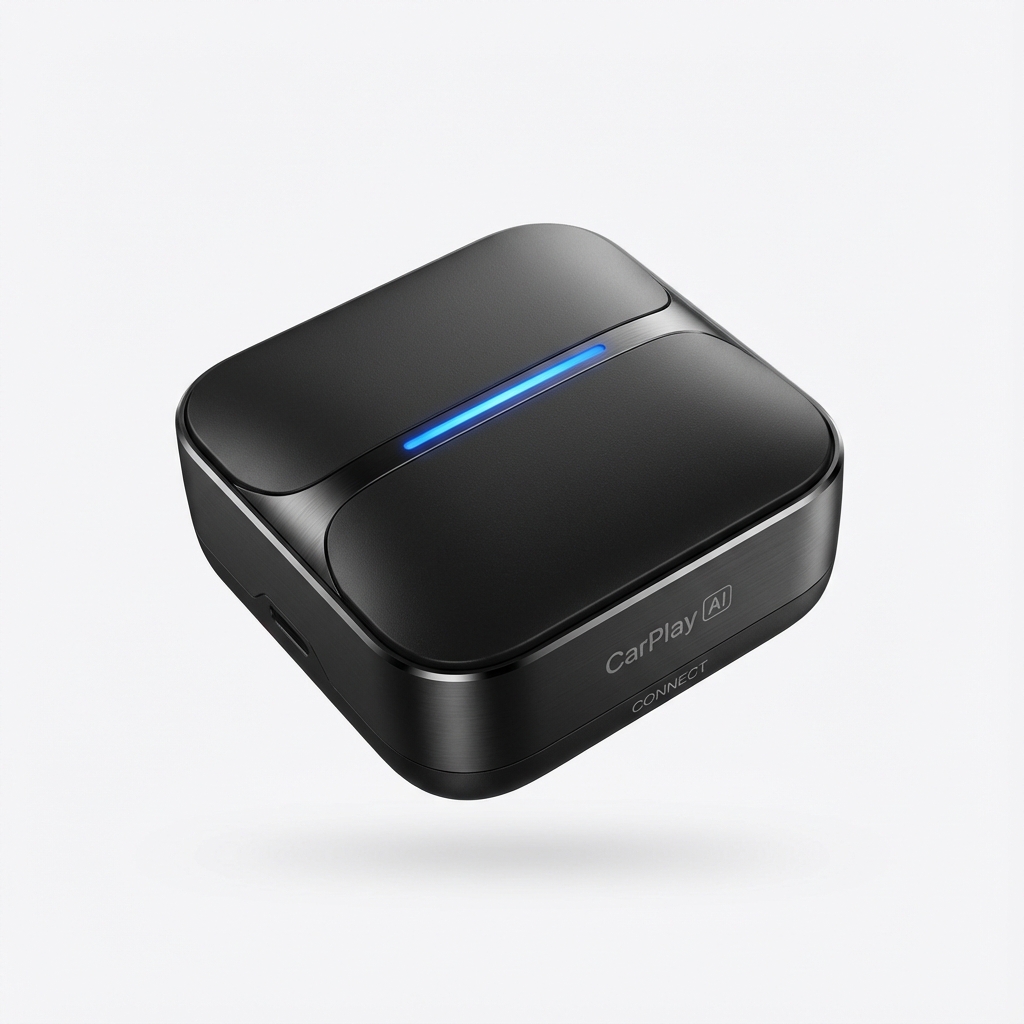
CarPlay AI Box
Convert your car screen into a full Android tablet. Install any app from Play Store effortlessly.
View Details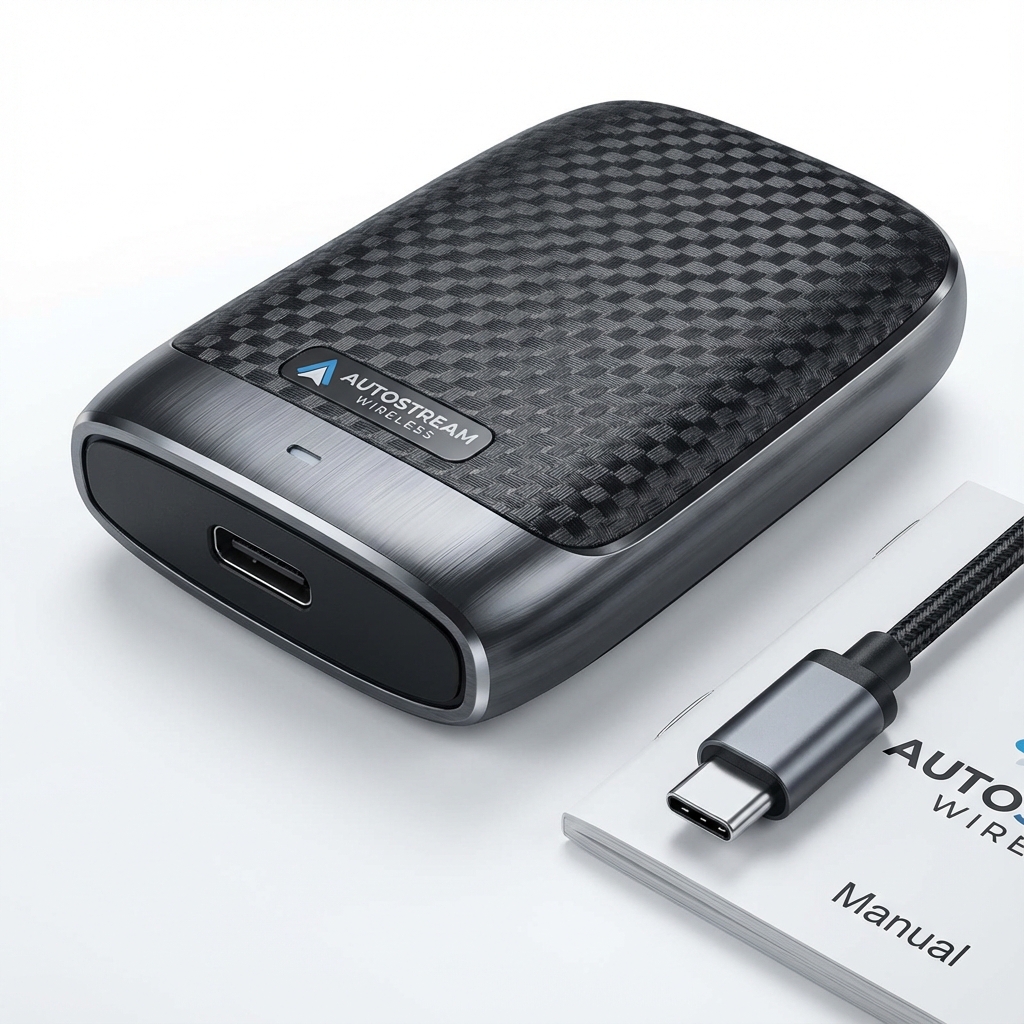
Wireless AA Adapter
Convert your wired Android Auto to Wireless. No more cables cluttering your dashboard.
View Details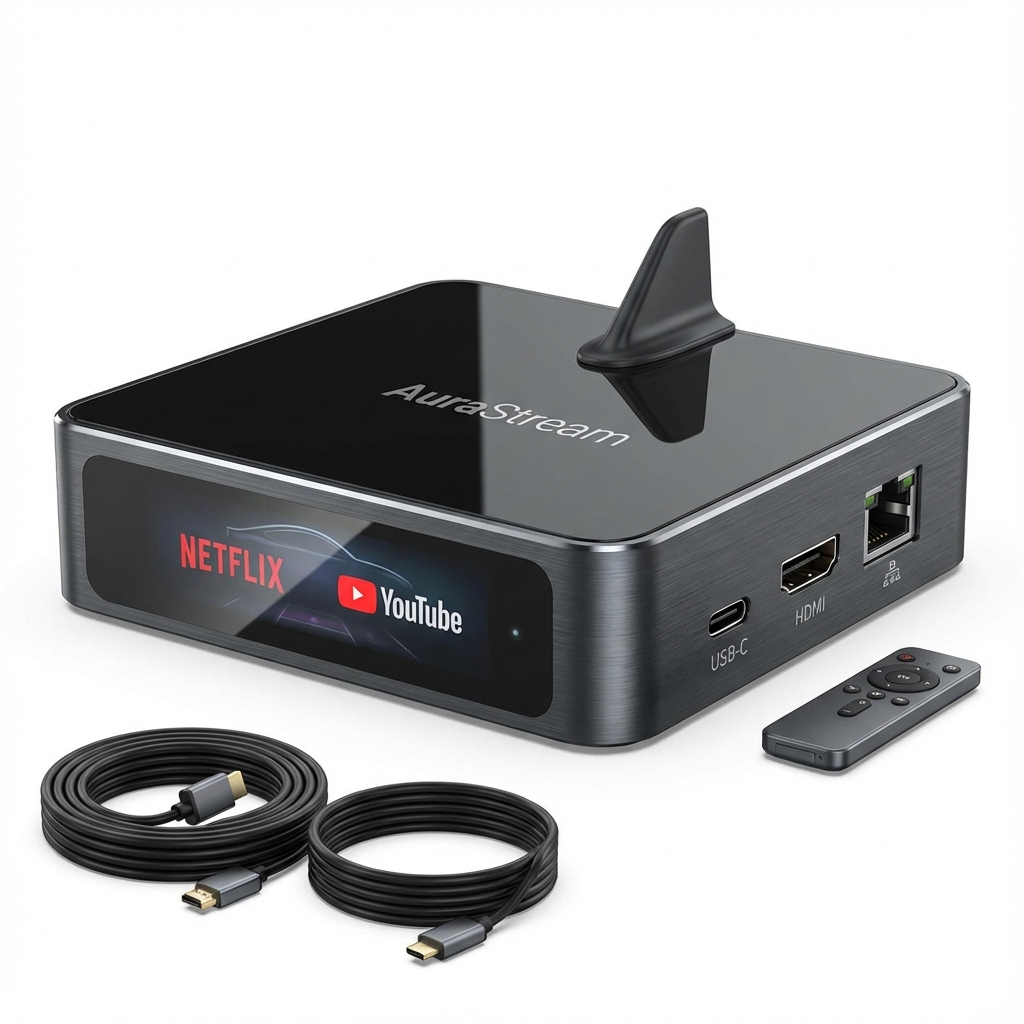
Streaming AI Box
Dedicated streaming box for Netflix, YouTube, and Diseny+ on your car display.
View DetailsFrequently Asked Questions
Is AAStream safe to use?
AAStream is open-source software that you can review on GitHub. However, it requires root access and is an unofficial modification. Use it at your own risk and only download from the official repository.
Do I need root access for AAStream?
Yes, root access is required to unlock AAStream for Android Auto. This allows the app to integrate with Android Auto's restricted system.
Can I use AAStream without rooting my phone?
The full functionality of AAStream requires root access. However, there are alternative non-root solutions available, though they may have limited features.
Will AAStream work with my car?
AAStream should work with any car that supports Android Auto, whether through a built-in system or an aftermarket head unit. Both wired and wireless connections are supported.
What's the difference between AAStream and AAMirror?
AAStream is inspired by AAMirror and offers similar functionality. Both provide screen mirroring for Android Auto, but AAStream is actively maintained and includes additional customization options.
Can I watch YouTube or Netflix with AAStream?
Yes, AAStream allows you to mirror any app, including video streaming services. However, this should only be used when your vehicle is safely parked, never while driving.
Facing technical difficulties?
View Common Issues & FixesReady to Unlock Your Android Auto Potential?
Download AAStream today and experience the freedom of using any app on your car's display.
Install via WheelPal